
3/28/2026 Version 4.1
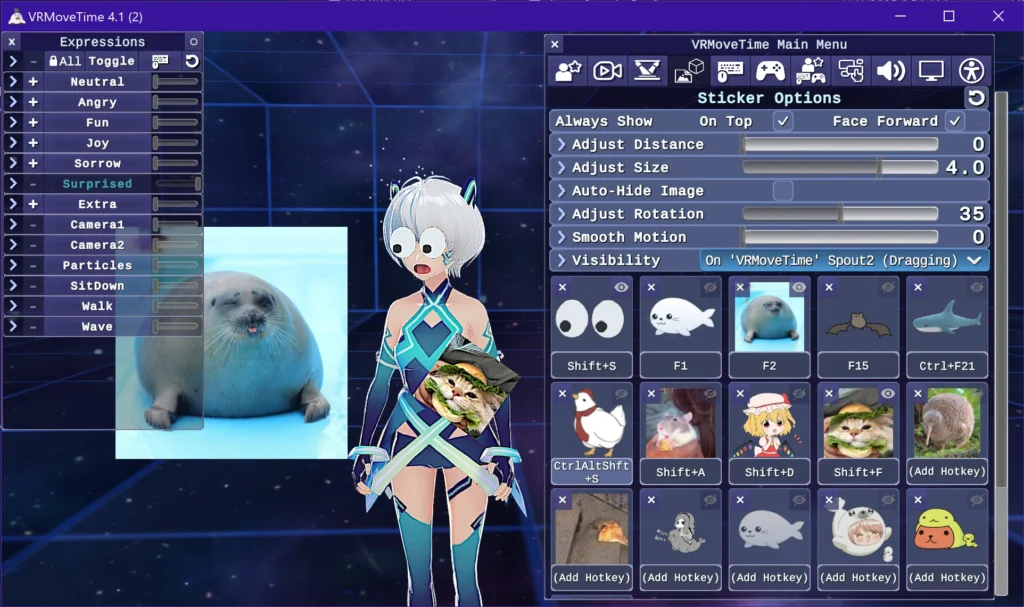
-Major bugfix and optimization update that also upgrades the graphics!
-Ensured full compatibility with the Twitch Integrated Throwing System (T.I.T.S.).
To get it working, you just need to enable the “VSeeFace” integration in T.I.T.S., and make sure the OSC/VSC Receiver option is checked in VRMoveTime with the default port. You can use position presets (Scene Options/2nd tab in VRMT) and scenes menu hotkeys in T.I.T.S. to ensure your avatar is in the right position to be hit by stuff within OBS. Here’s a video that shows how it works:
-Added in UI animations, and new graphics for the stage and background. Each other these can be turned on and off in the Interface or Stage sections of the main menu.
-Added an FPS & RAM counter courtesy of Tayx94 / graph, which can be activated through the Interface options or with the Pause/Break key by default.
– Optimized the polygon count of the avatar and screen virtual controllers by more than 50%, which shouldn’t be noticeable.
-Optimized the the input scripting of the virtual controllers by about 50% by having one controller copy its values to the other controller.
-Optimized the user interface by eliminating unnecessary graphic raycast targets.
-Optimized VSFAvatar loading to maintain the current avatar when reloading the same one, and immediately cleaning up previous avatar data when loading different ones.
-Optimized the sticker/image highlighting system by just disabling it when nothing is selected/highlighted.
Fixes:
-Added smoother transition when tracking is lost back to the base position, which was needed as VTubeStudio doesn’t apply automatic smoothing on re-establishing tracking, so there was an instant snap back to the new position.
-Fixed the screen virtual controller sometimes not displaying when the resolution is changed
-Fixed the = key not working for global input hotkeys (it was being received as + rather than =)
-Fixed Arm Sway being active when the avatar is holding the virtual controller
-Fixed avatar movement during position presets to respect whether you have avatar strafe controls on or not.
-Fixed the mouse wheel not properly adjusting the size of props images/stickers
-Fixed gamepad stick axis not being able to be re-bound
-Fixed input fields to allow negative numbers for slider options that go below 0
-Fixed the hotkey rebinding process to not trigger their own hotkey right afterwards
-Added in some code to ensure resiliency of global input
The next update will have a major new feature (the avatar customization menu).